
Start with the tutorial
Completing the tutorial is highly encouraged to gain your first levels and receive a scarf.
Wake up as an Orphan
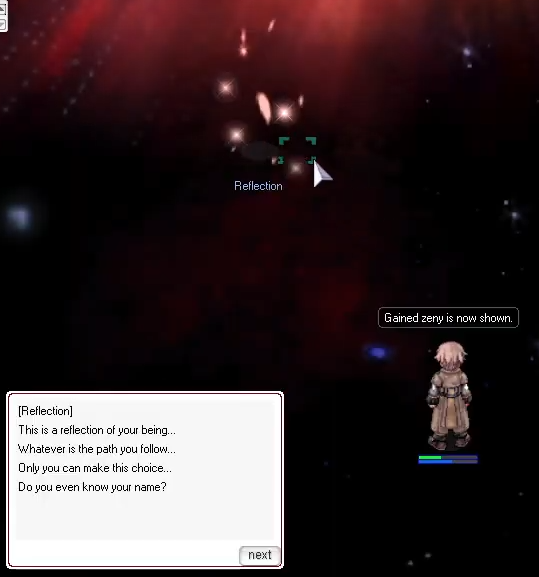
1. Speak to the Reflection
Click the Reflection on the left of the starting area.
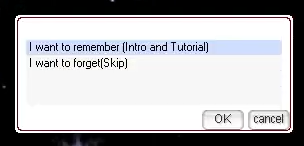
2. Choose the tutorial
Select the first option, I want to remember (Intro and Tutorial).
3. Continue with your Memories
Interact with Memories to enter the tutorial.

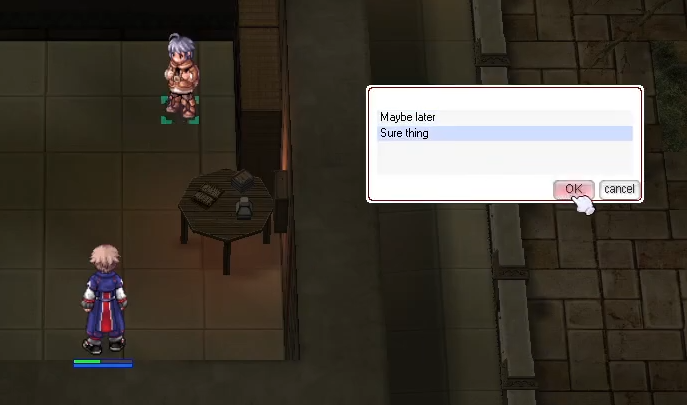
4. Choose the second dialogue response
Choose the second dialogue option each time to receive extra experience and items.
5. Allocate starting stats and finish
Start by increasing STR for early Orphan leveling. After completing the tutorial, you should have:
- Base/Job level 6/3.
- Toy Knife.
- +2 Sandals, with Movement Speed +5%.
- A scarf of your choice.
- 3 Initiate Potions.
Choose your scarf
Choose one of these nine scarves near the end of the tutorial.
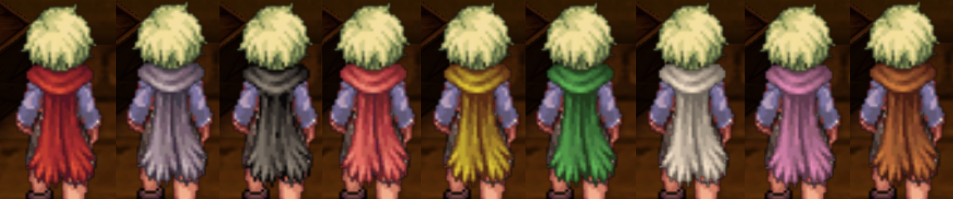
| Dialogue choice | Scarf | Color | Stats |
|---|---|---|---|
| Be Safe | Safety Scarf | Red | HP +2%, HP +50 |
| Be Calm | Calm Scarf | Blue | SP +2%, SP +10 |
| Be Fast | Occult Scarf | Black | ASPD +2, Cast Time −10% |
| Be Smart | Smart Scarf | Light red | ACD −5%, Cast Time −5%, SP Cost −2% |
| Be Focused | Focus Scarf | Yellow | MATK +5, MATK +1% |
| Be Brave | Bravery Scarf | Green | ATK +3, ATK +1% |
| Be Quiet | Attentive Scarf | White | Critical Rate +3, Critical Damage +3% |
| Be Sad | Beloved Scarf | Pink | DEF +7, MDEF +3, Neutral Resistance +1% |
| Be Uncaring | Ragged Scarf [1] | Brown | All Stats −1; one card slot |
Scarves cannot be traded, but you can put them in storage. Complete the tutorial on another character if you want a different scarf.
Collect your starting supplies
Speak to the Nanny in the hallway after the tutorial.
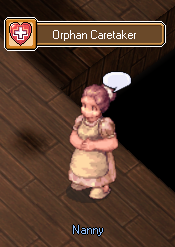
She gives you 15 Initiate Potions, 3 Initiate Butterfly Wings, 2 Initiate Magnifiers, an Orphan Badge, and a Memory Mirror. The initiate consumables cannot be transferred or traded.
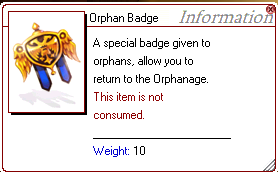
Keep the Orphan Badge
Use the badge to return to the Orphanage. It is not consumed, so you can reuse it.
Understand the Memory Mirror
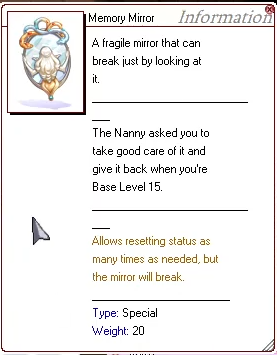
Use the Memory Mirror to reset your stats before Base Level 15. If you keep it unused until Base Level 15 and return it to the Nanny, you will receive My First Card Album.
Know your starting tools
 Warp Portal
- Starts at skill level 1.
- Type
@memoto view your saved locations. - Use
@memo 0,@memo 1, or@memo 2to save your current location in that slot. - You cannot save locations in dungeons or on maps with bosses.
 Teleport
- Starts at skill level 1.
 Heal
Heal
- Restores more HP as your base level increases.
- Maximum skill level: 1.
 Hiding
- Hides you for 2 seconds.
- Works against bosses.
- Maximum skill level: 1.
 Increase AGI
- Sets your movement speed to maximum for 5 seconds.
- Cooldown: 60 seconds.
 Area Loot
- Picks up all items within 2 cells of your character.
 Morroc’s Mark
- Fully restores your HP and SP when cast.
- Grants all stats +10% and movement speed +50% for 10 seconds.
- Cooldown: 60 minutes.
Make the Orphanage your home
Return to the Orphanage to heal, repair your equipment, and access storage and transport.
Healing, storage, and resets

Lucy Guille
Heal and repair your equipment for free. Lucy also clears common status effects and stripped equipment. Speak to her for paid buffs.

Kafra Alysia
Save your respawn point, open all three storages, refill elixirs, and travel to other locations. Storage access is free.
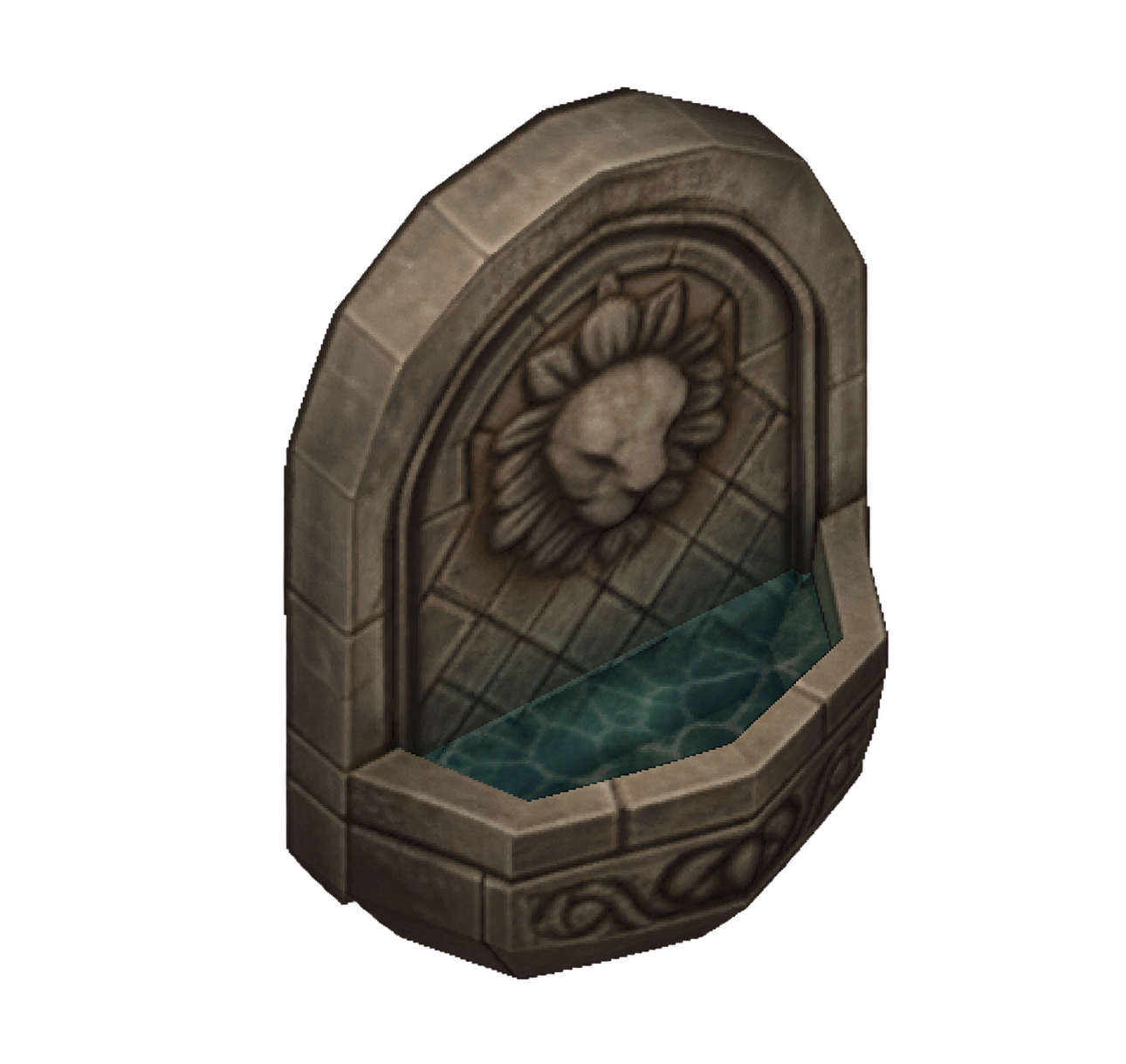
Memory Fountain
Reset your stats and skills at the fountain beside the stairs. The reset cost decreases as the Orphanage levels up.
Orphan support and dungeon travel

Alfred, the Butler
At the Orphan Support counter in the main hall, Alfred can:
- Hatch eggs.
- Change the visibility of pets, summons, headgear, and garments.
- Add or remove chat channels.
- Activate PRD: Steady Fortunes, a new drop system that works differently from OG. Trying it is highly encouraged.

Skia Nerius
Speak to Skia at the Dungeon Caravan counter for dungeon travel.
Donations

Amadeus Windsor
Donate Zeny toward the Orphanage’s next level and check its funding progress.
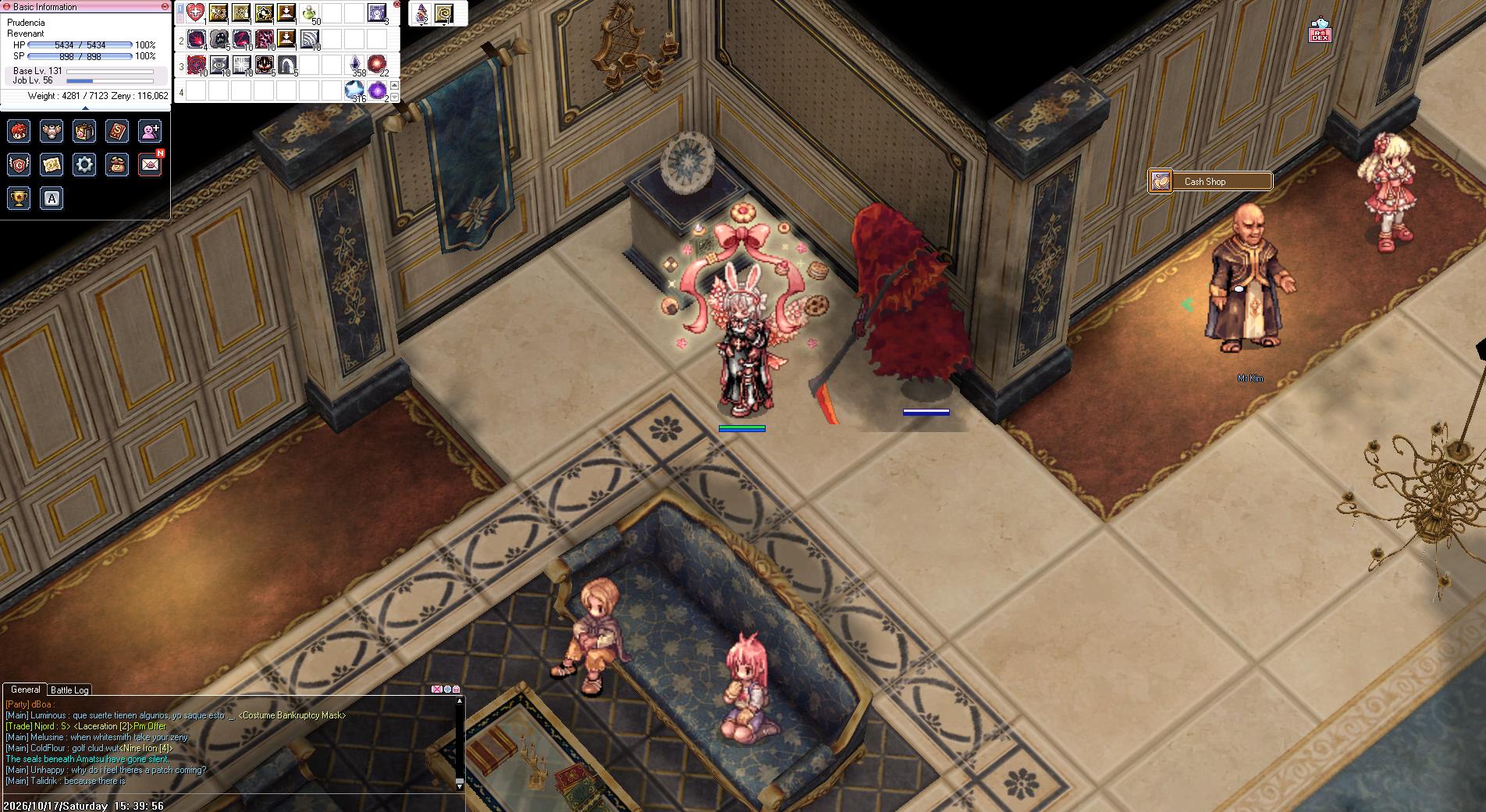
Mr Kim
Buy headgear with donation points at the Cash Shop counter. Mr Kim also provides DEX Wardrobe storage.

Mr Kim's Helper
Try Mr Kim’s headgear for 30 seconds to preview its appearance before buying it with donation points. Find her beside him at the Cash Shop counter.
Equipment services
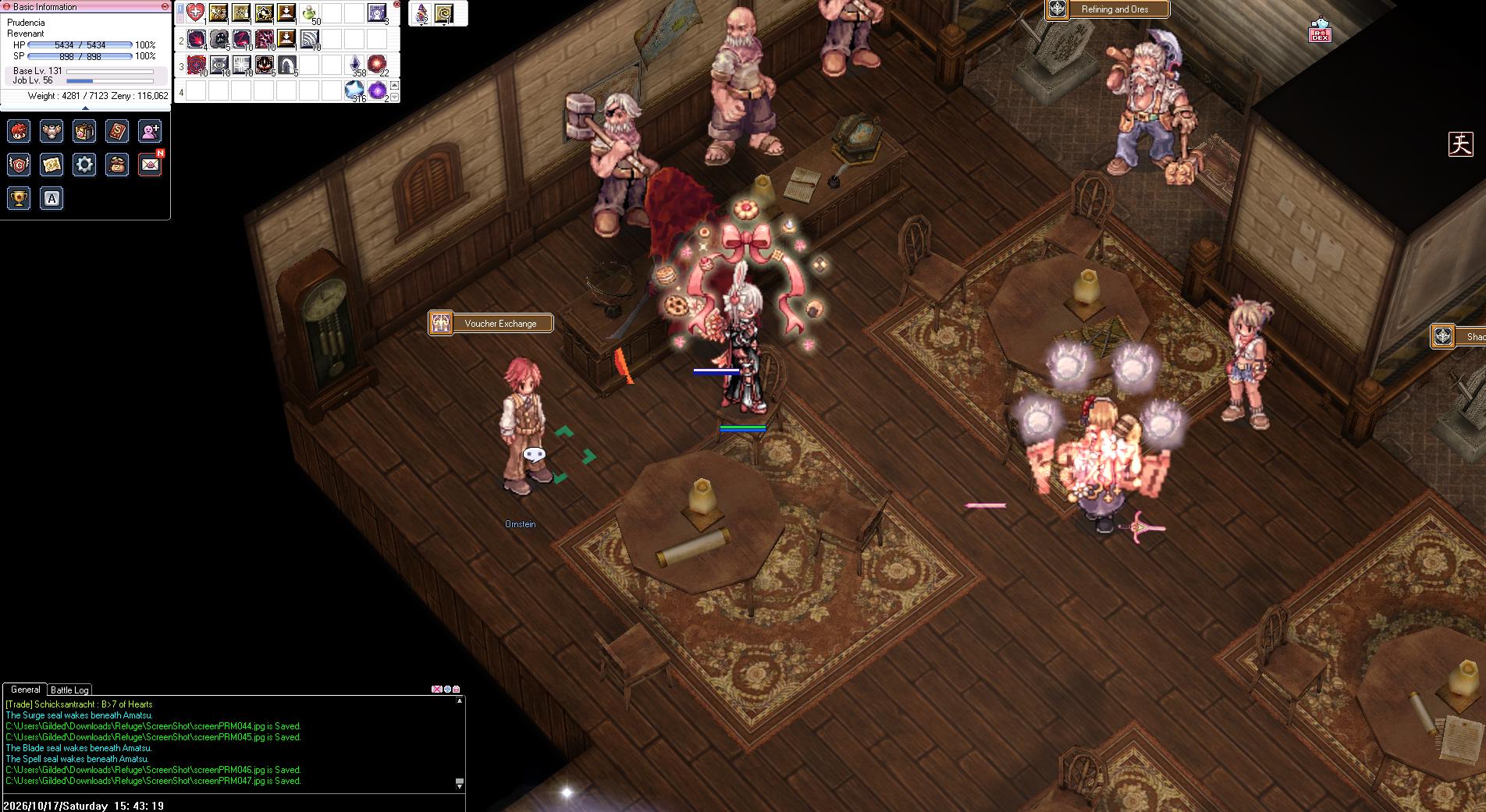
Ornstein
After changing jobs, bring an Exchange Voucher to Ornstein for starter equipment. Find him at the smithy’s Voucher Exchange counter.
Horacio Alt-Eisen
Buy starting armor from Horacio in the smithy.

Helmut Alt-Eisen
Buy starting weapons from Helmut in the smithy.
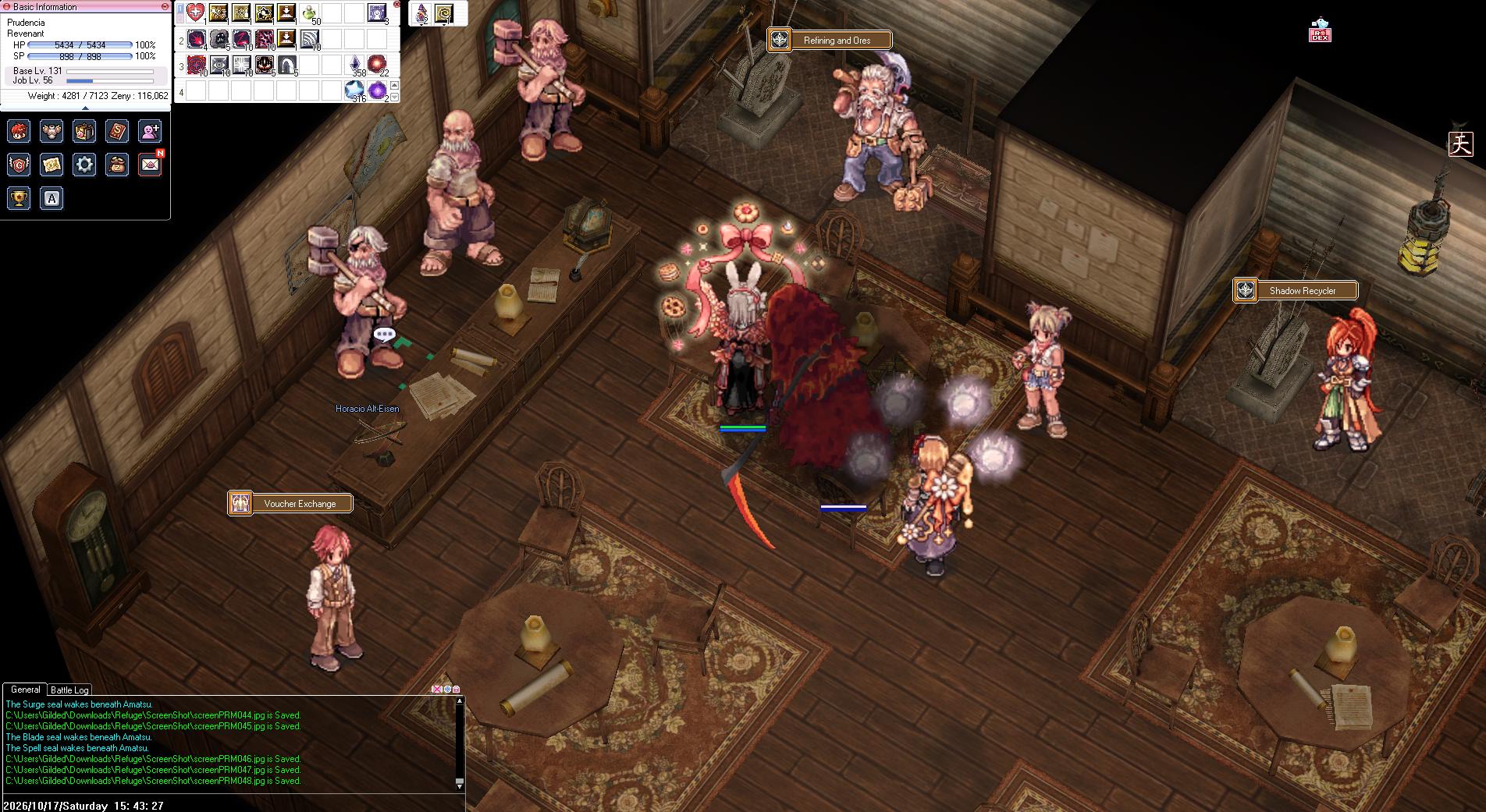
Croc Alt-Eisen
Trade lower-tier refining materials for higher-tier materials.

Heimdall Alt-Eisen
Refine equipment and Class Gems up to +10 without destroying them. Find him in the smithy at the Refining and Ores counter.
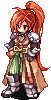
Shadow Recycler
Recycle Shadow sets and gems, reroll gem options, or convert gems into dust. Find her at the Shadow Recycler counter in the smithy.

Shadow Assistant
Trade Shadow Ores for Shadowdecon, or exchange Shadow Ore for lower-tier refining materials. Find her in the smithy beside the Shadow Recycler.

Master of Cards
Remove cards from your equipment. Look for the Card Remover counter upstairs.
Kitchen and supplies

Lily
Buy tools and supplies from Lily at the kitchen’s Tool Dealer counter.

Mary Cenia
Buy stat meals at the kitchen’s Status Meals counter. The meal bonuses improve as the Orphanage levels up.
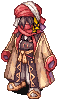
Black Market
Browse the Black Market in the kitchen.
Headgear and costumes

Happy Girl
Browse headgear and costumes at the Headgear/Costumes counter.

Stylist Shalosh
Visit the Stylist Shalosh counter upstairs to change your character’s appearance.
Achievements
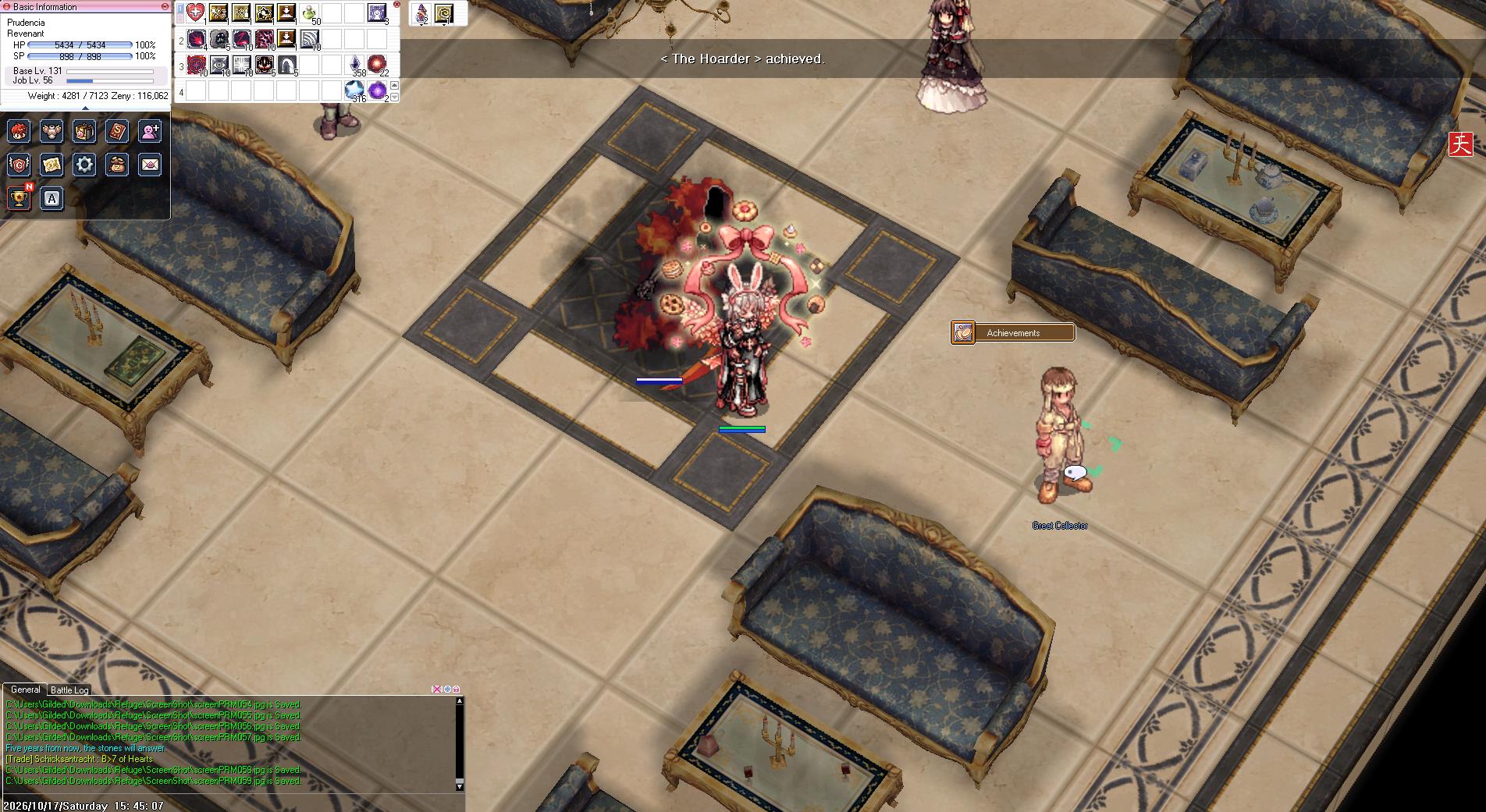
Great Collector
Speak to the Great Collector at the Achievements counter upstairs.
Choose your class
Check the Refuge class tree for class progression. Our Choosing Your Path guide is WIP. After completing your job change, bring your Exchange Voucher to Ornstein for starter equipment.
Find your next place to train
The Leveling Foundations guide is WIP.